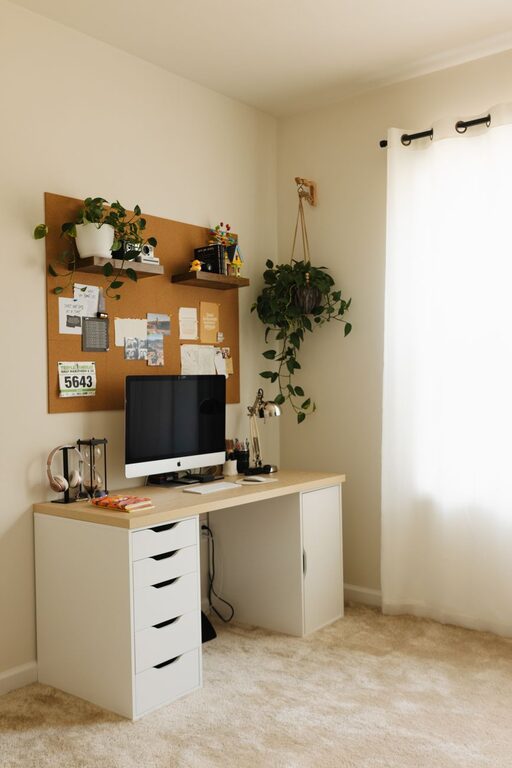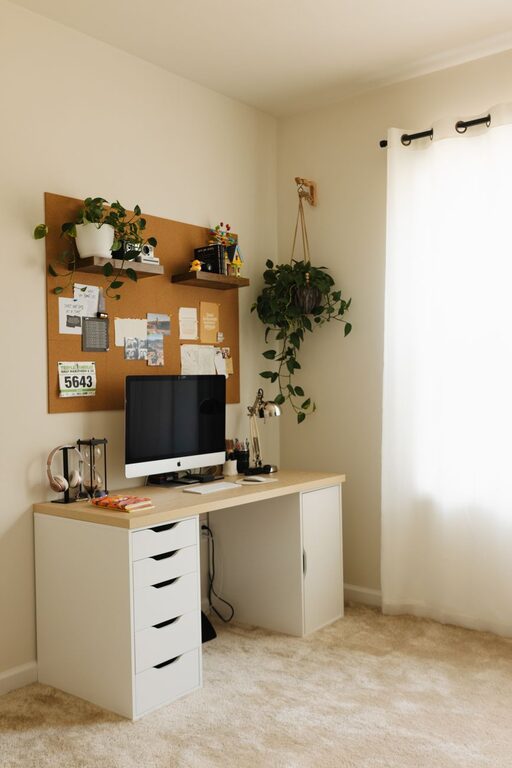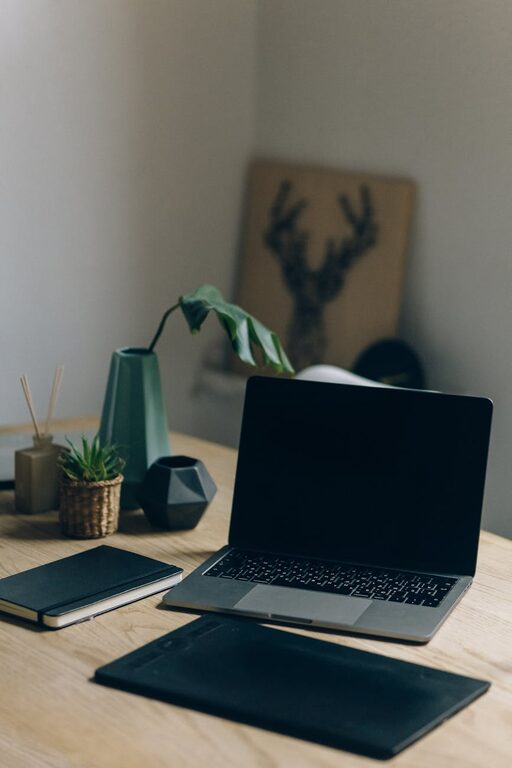
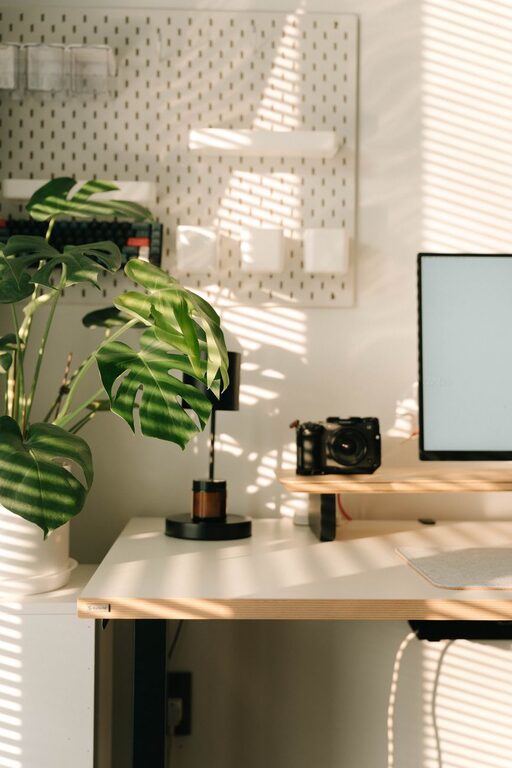
Creating a productive home office space is essential for anyone working remotely or managing tasks from home. A well-designed workspace can improve focus, reduce distractions, and make your workday more enjoyable. Whether you have a dedicated room or just a small corner, these tips will help you create an effective home office setup.
Choose the Right Location
Selecting the best spot for your home office is the first step toward productivity. Ideally, pick a quiet area with minimal foot traffic and distractions. Here are some considerations:
– Natural Light: Position your desk near a window if possible. Natural light improves mood and reduces eye strain.
– Privacy: Choose a space where you can close a door or separate yourself from household activity.
– Connectivity: Make sure the area has a strong and reliable internet connection.
If space is limited, try to carve out a dedicated nook or use room dividers to create separation.
Invest in Comfortable and Functional Furniture
Your furniture plays a major role in how productive and comfortable you will be throughout the day.
– Ergonomic Chair: Select a chair that supports good posture. Adjustable height, lumbar support, and cushioned seating are key features.
– Desk Size: Ensure your desk is large enough to hold your computer, documents, and other necessary items without clutter.
– Standing Options: Consider a sit-stand desk to alternate between sitting and standing, which can help reduce fatigue.
Comfort is crucial for focus, so avoid makeshift workspaces like sofas or beds.
Organize Your Workspace Efficiently
An organized desk can reduce stress and save time spent looking for things.
– Storage Solutions: Use shelves, drawers, or filing cabinets to keep supplies and documents tidy.
– Desk Accessories: Keep everyday items like pens, notepads, and chargers within arm’s reach using desk organizers.
– Cable Management: Use clips, sleeves, or ties to control cables and prevent tangling.
Try to keep your desk surface as clear as possible to maintain a clean and inviting work environment.
Optimize Lighting
Proper lighting reduces eye fatigue and helps maintain alertness.
– Use Natural Light: Take advantage of daylight, but avoid glare on your computer screen.
– Task Lighting: A desk lamp with adjustable brightness can help when working in the evenings or on cloudy days.
– Ambient Lighting: Soft overhead lighting adds to a balanced atmosphere.
Avoid harsh fluorescent lights; soft white LEDs are usually the best choice.
Minimize Distractions
Distractions at home can derail your workflow. Here are ways to stay focused:
– Set Boundaries: Let family or roommates know your work hours and ask for quiet during those times.
– Use Noise-Cancelling Headphones: These can block out background sounds.
– Limit Notifications: Silence non-essential phone and computer alerts.
Creating a routine also helps your mind stay in work mode.
Personalize Your Space
Adding personal touches can boost your mood and motivation.
– Decorate Wisely: Use plants, photos, artwork, or colors that inspire you.
– Keep It Professional: Avoid cluttering your space with too many items.
– Comfort Items: A cozy blanket, a water bottle, or an essential oil diffuser can make your office more inviting.
Balance personalization with simplicity to maintain a productive environment.
Maintain a Healthy Routine
Your workspace is just part of the equation; how you use it matters too.
– Take Regular Breaks: Stand, stretch, or walk around every hour.
– Stay Hydrated: Keep water nearby.
– Schedule Tasks: Use planners or digital tools to organize your day.
A healthy work routine complements your productive setup.
Keep Your Technology Up to Date
Technology is central to most home office work.
– Reliable Devices: Ensure your computer and peripherals are in good condition.
– Regular Updates: Keep software up to date for security and efficiency.
– Backup Solutions: Use cloud storage or external drives to protect your data.
Investing in the right technology reduces frustration and downtime.
—
Creating a home office that supports productivity takes some planning but pays off with improved comfort and work quality. Start small, make adjustments, and enjoy a workspace that works for you!