Creating a home workspace that is both cozy and functional is essential for maintaining productivity, comfort, and overall well-being—especially as many people continue to work remotely or spend more time at home. A thoughtfully designed workspace can make the difference between feeling stressed and scattered or focused and motivated. This post explores practical tips to help you design a home workspace that meets your needs while creating a welcoming atmosphere.
Why a Cozy and Functional Workspace Matters
A workspace that balances comfort and functionality supports concentration and reduces fatigue. Comfort helps you feel relaxed, while functionality ensures you have everything you need within reach. When your workspace feels inviting, you are more likely to enjoy your work and maintain a healthy work-life balance.
Choose the Right Location
Consider Natural Light and Noise Levels
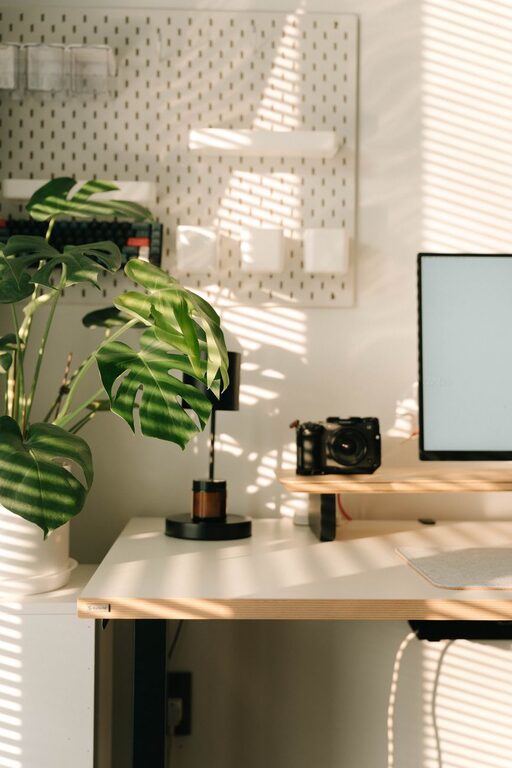
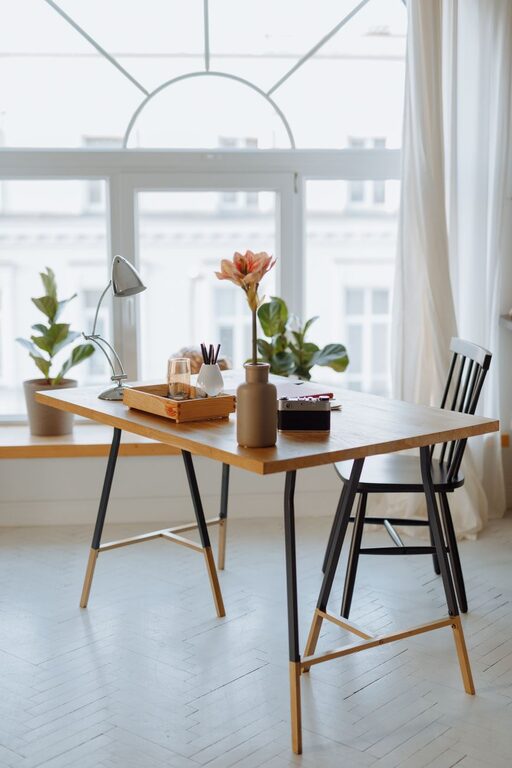
Selecting the right spot in your home is the first step. If possible, choose a space near natural light—it brightens the area and can improve mood and energy. However, avoid direct glare on your computer screen. Also, consider the noise level around the location. A quieter corner creates fewer distractions, helping your focus.
Prioritize Privacy and Minimal Interruptions
If space allows, pick an area away from high-traffic zones like the kitchen or living room. Privacy helps create a mental boundary between work and home life.
Invest in Comfortable and Ergonomic Furniture
Select an Adjustable Chair
Your chair is one of the most important elements. Look for one that supports your lower back and allows you to sit comfortably for extended periods. Adjustable height and armrests can help you maintain good posture.
Choose a Desk that Fits Your Needs
Consider the type of work you do. If you use multiple monitors or need space for paperwork, opt for a larger desk. For smaller spaces, compact or foldable desks can work well without overcrowding the room.
Organize with Purpose
Use Storage Solutions
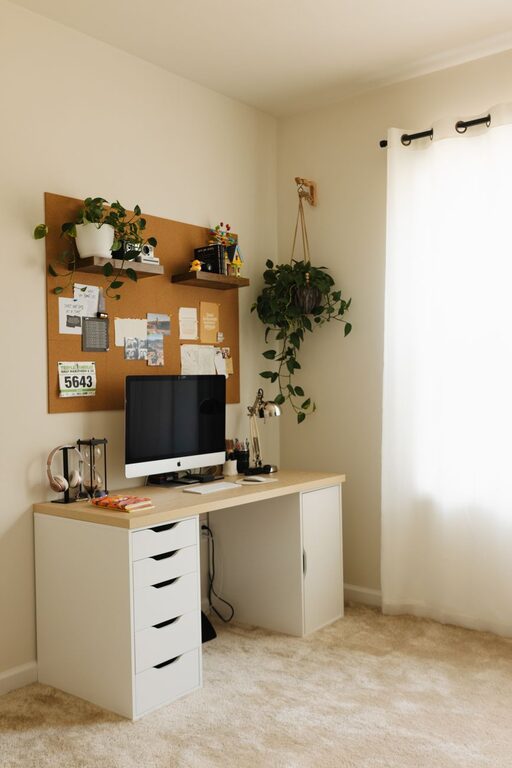
Keep clutter away by using shelves, drawers, or storage bins. Vertical storage saves floor space and keeps essentials within reach.
Maintain a Clean and Tidy Surface
Regularly declutter your desk surface to minimize distractions. Use cable organizers to manage wires and keep the area neat.
Add Personal and Comfort Touches
Incorporate Soft Textiles
Adding a small rug, cushions, or a cozy throw can soften the space and improve comfort, especially if your workspace shares a room with other functions.
Use Plants for Freshness
Houseplants can improve air quality and add a pleasant, calming touch to your workspace. Choose low-maintenance plants like succulents or pothos if you don’t have a green thumb.
Decorate with Inspiring Items
Display art, photos, or motivational quotes that inspire you without overwhelming the space. Personal touches make your workspace feel more inviting.
Optimize Lighting
Layer Lighting
Use a combination of overhead lighting, task lamps, and natural light. A desk lamp with adjustable brightness is helpful for focused work, especially during evening hours.
Choose Warm and Neutral Light Colors
Soft, warm light tends to be more comfortable and reduces eye strain compared to harsh fluorescent lights.
Manage Technology Efficiently
Ensure Strong Internet Connectivity
Reliable internet is key for remote work. If your workspace struggles with connectivity, consider upgrading your router or using a wired connection.
Arrange Devices Thoughtfully
Keep frequently used devices within arm’s reach, but avoid crowding. This setup improves efficiency and reduces frustration.
Create a Routine and Boundaries
Define Work Hours
Even in a home setting, setting a schedule helps maintain work-life balance and productivity.
Use Visual Cues
If your workspace is in a shared room, use partitions or screens to visually separate work areas from leisure spaces.
Final Thoughts
Designing a home workspace that’s cozy and functional is about balancing practicality with comfort. By carefully choosing your location, investing in ergonomic furniture, organizing efficiently, adding personal touches, and managing lighting and technology wisely, you can create an environment that supports your best work every day. Remember, a well-designed workspace is an investment in your productivity, comfort, and happiness.