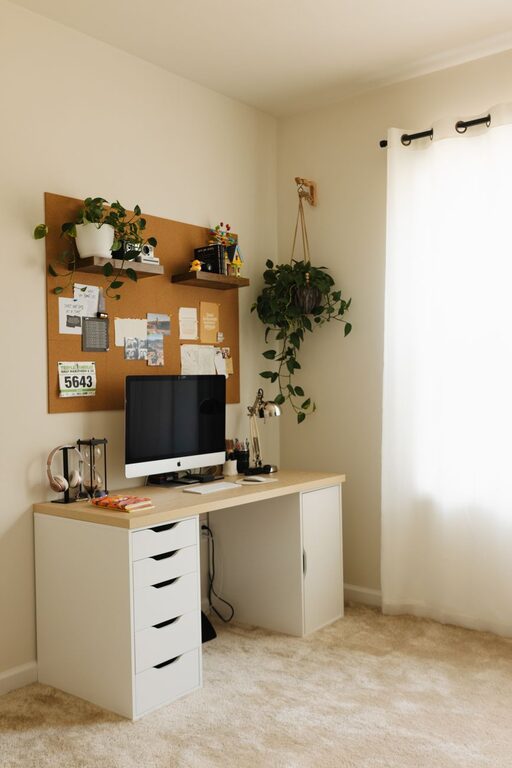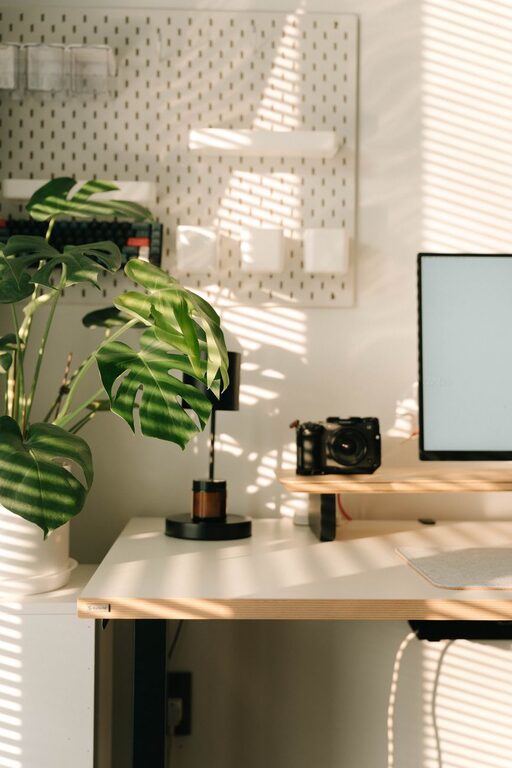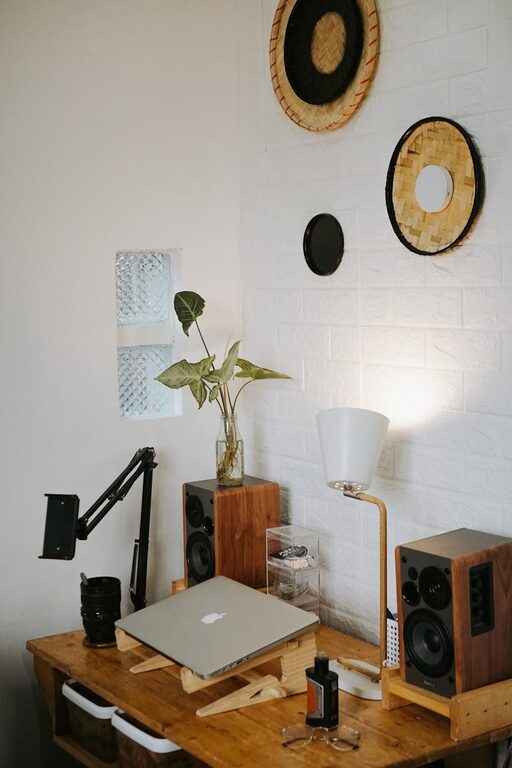
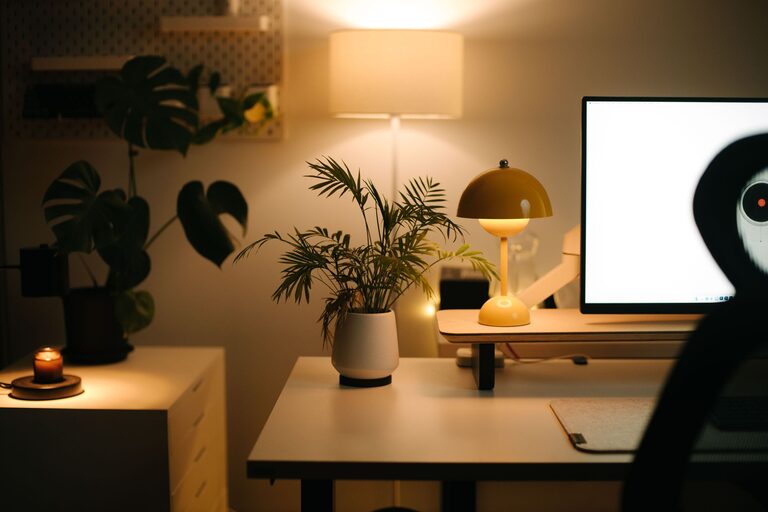
Creating a home office that feels both cozy and productive can significantly improve your work-from-home experience. A well-designed space not only boosts your efficiency but also makes working more enjoyable. Whether you have a dedicated room or just a small corner, these tips will help you craft an inviting and functional home office tailored to your needs.
Choose the Right Location
Find a Quiet Spot
Select a space in your home that is quiet and free from distractions. If possible, avoid areas with heavy foot traffic or loud noises. A peaceful environment helps you concentrate and reduces stress.
Consider Natural Light
Place your desk near a window to take advantage of natural light. Exposure to daylight can improve mood and energy levels. If natural light is limited, invest in good quality lighting that mimics daylight to reduce eye strain.
Invest in Comfortable Furniture
Ergonomic Chair
A comfortable, supportive chair is essential. Look for adjustable chairs that support your lower back, promote good posture, and allow you to work for long hours without discomfort.
Functional Desk
Choose a desk that fits your available space and meets your workflow needs. It should have enough surface area for your computer, notes, and other tools without feeling cramped.
Personalize Your Workspace
Add Cozy Elements
Incorporate soft textures like cushions, rugs, or blankets to make your office feel inviting. These small touches can help you feel relaxed and reduce stress.
Decorate Thoughtfully
Use artwork, plants, or personal items to create a space that reflects your personality. Plants, in particular, can boost air quality and add a refreshing touch of nature.
Organize for Efficiency
Declutter Daily
Keep your desk tidy by clearing clutter at the end of each day. A clean workspace helps prevent distractions and keeps your mind clear.
Use Storage Solutions
Utilize shelves, drawers, and organizers to keep supplies and documents neatly arranged. Label storage bins or folders for easy access.
Embrace Technology Wisely
Set Up Your Equipment
Ensure your computer, printer, and other technology are set up ergonomically to prevent strain. Position monitors at eye level and keep cables organized to avoid tangling.
Use Productivity Tools
Explore apps and tools that can help you manage your time and tasks efficiently. Digital calendars, to-do lists, and focus timers can keep you on track throughout the day.
Maintain Good Work Habits
Set a Schedule
Establish a consistent work routine to separate work time from personal time. This helps maintain a healthy work-life balance and keeps you motivated.
Take Breaks
Incorporate short breaks during your workday to stretch, move around, or relax. Breaks can refresh your mind and improve focus.
Control the Environment
Manage Noise Levels
If your space is noisy, consider using noise-cancelling headphones or a white noise machine. Soft background sounds like instrumental music can also promote concentration.
Adjust Temperature
Make sure the room temperature is comfortable for you. Too hot or too cold environments can be distracting.
Final Thoughts
Designing a home office that is both cozy and productive is about balance. Prioritize comfort while keeping the space organized and functional. With these tips, you can create an environment that supports your work goals while making you feel at ease. Remember, your workspace should inspire you to do your best work every day!
By investing a little time and thought into your home office setup, you can enjoy a more satisfying and productive work-from-home experience. Happy decorating!